Sheet 01Desktop app for editing ECU & TCU filesAvailable for Windows
MapEngine - Desktop app for editing ECU & TCU files
Load an ECU or TCU file and MapEngine finds what is hidden in it. A simple change takes a few clicks, but there is much more behind it: AI Similarity with a list of proposals to review, OFFSET and ALIGN for matching different reads, advanced editing with local minima and maxima, your own map packs, a dual HEX editor and much more. The program runs locally, not in a browser: editing and the 2D, 3D and HEX views run on your own computer, and only map recognition uses my server.
- Controller families
- 370+
- Definitions
- 438,000+
- Access period
- 365 days
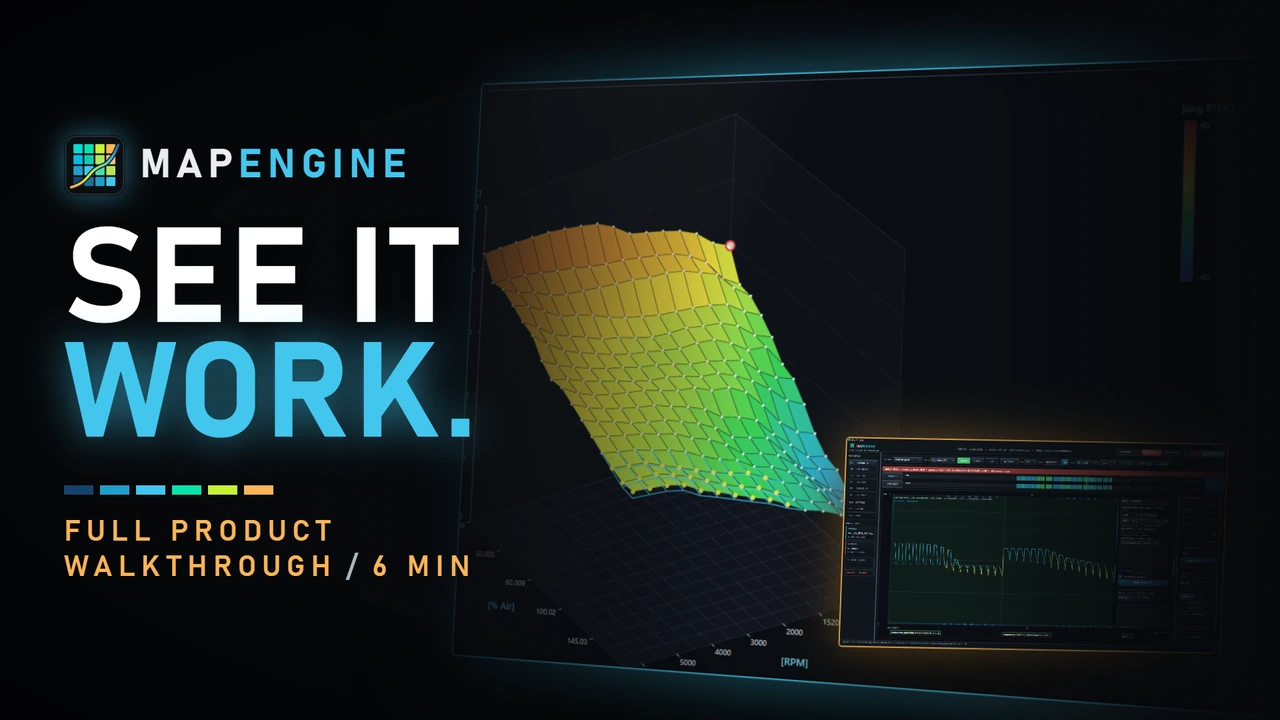
Architecture: local program
You keep the program and the processing. I supply the tools.
MapEngine is a native Windows program: the .exe runs on your computer, not in a browser tab. The original (ORI) stays read-only, and editing, interpolation, the 2D and 3D views, HEX and OFFSET all run locally, on your own files. I look after the library, the updates and backward compatibility.
- Native EXE, not a browser editor
- ORI read-only, you do the saving
- Editing, 2D, 3D, HEX and OFFSET run locally
Map recognition uses my server; an uploaded file is deleted when the analysis finishes.
MapEngine features
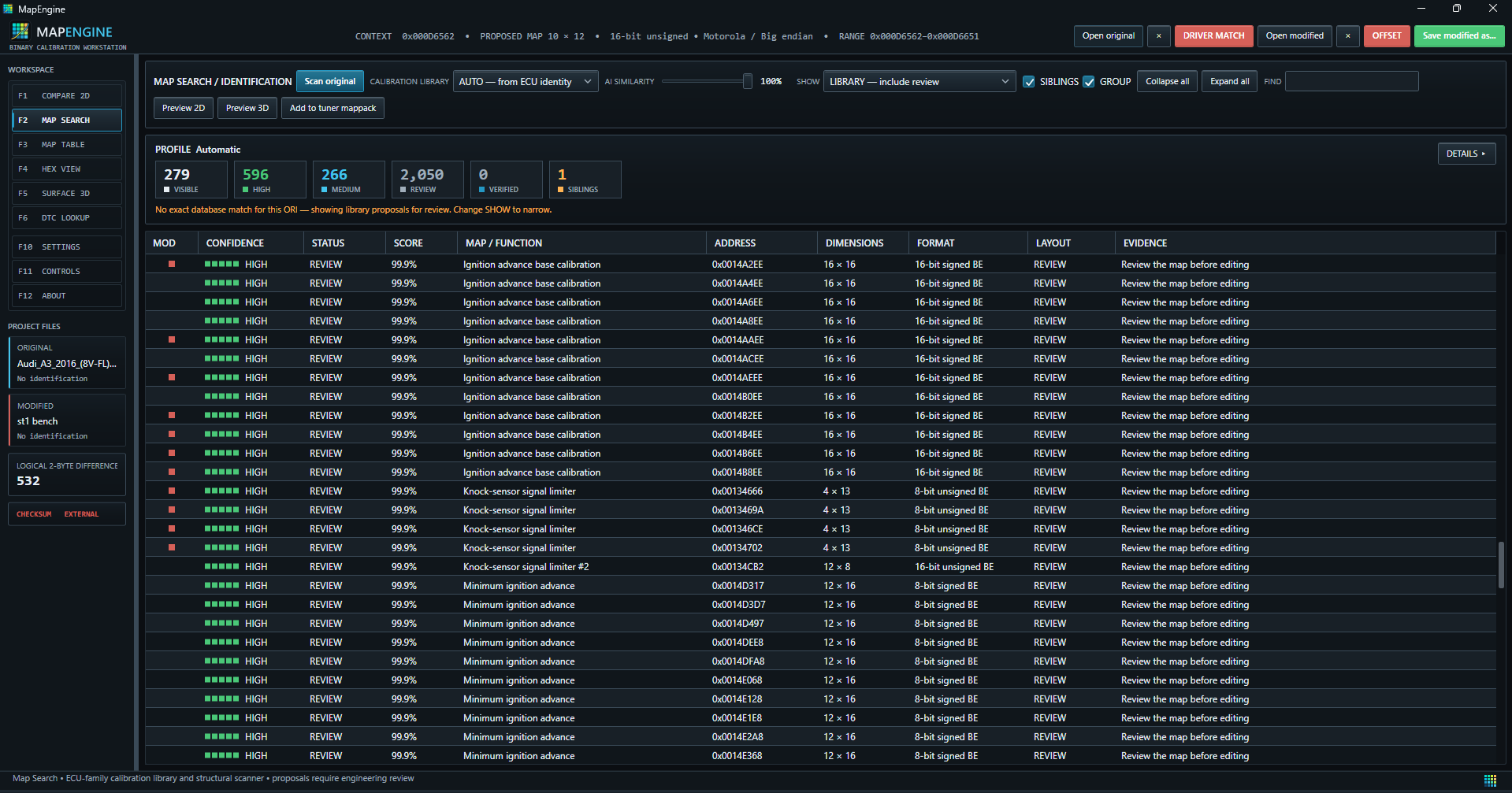
Capabilities- 01Map matchingMatches calibration files against reference patterns, with an adjustable similarity threshold.
- 02AI Similarity thresholdLower it to explore more proposals; it can also add less precise matches.
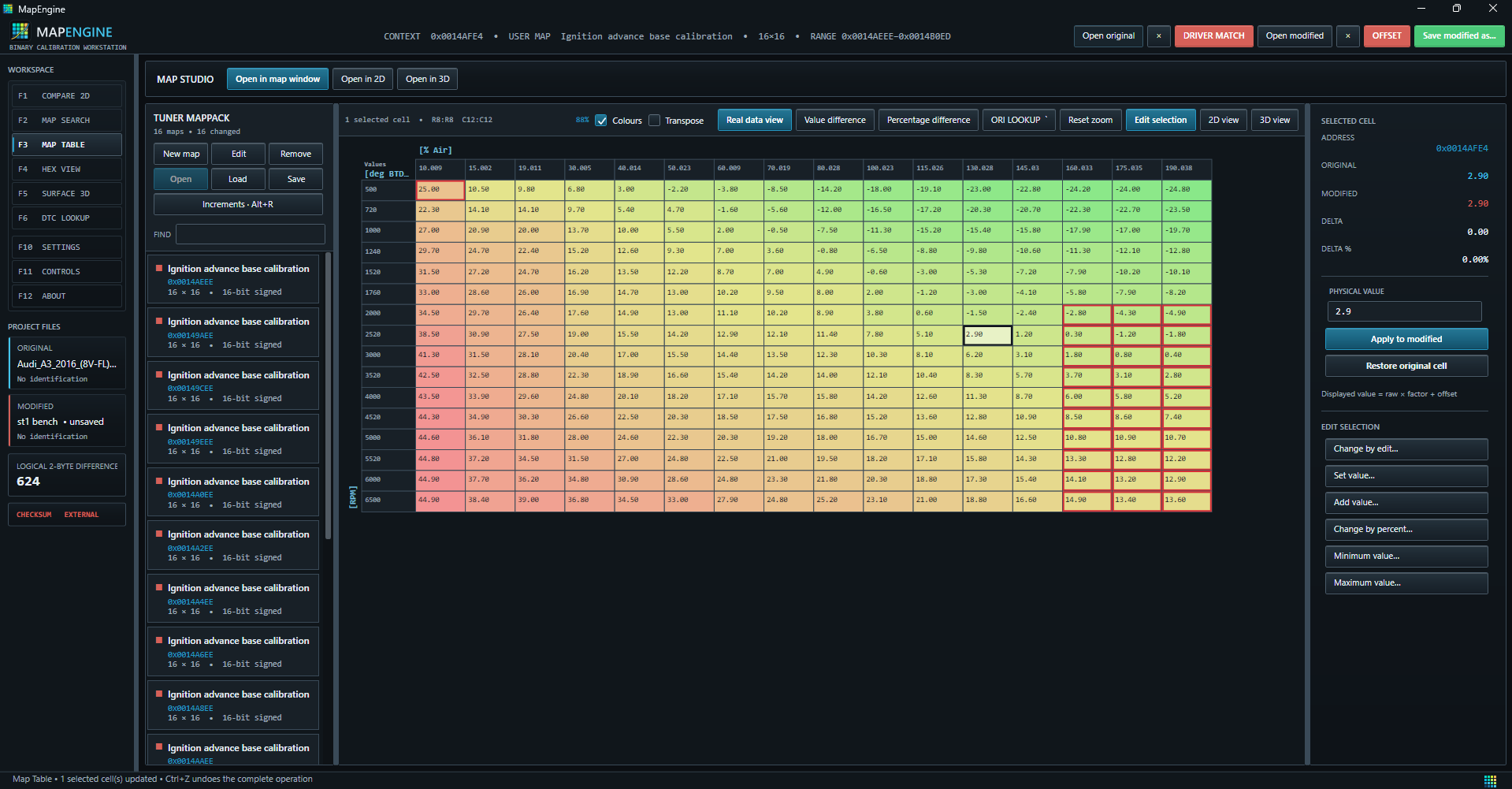
- 03Fast editingFast value editing, interpolation and effective data copying.
- 04Compare 2DOriginal and modified data on one graph, with range selection and a live inspector.
- 05Self-adjusting 2D axisThe Y axis fits itself to the file data in the 2D view.
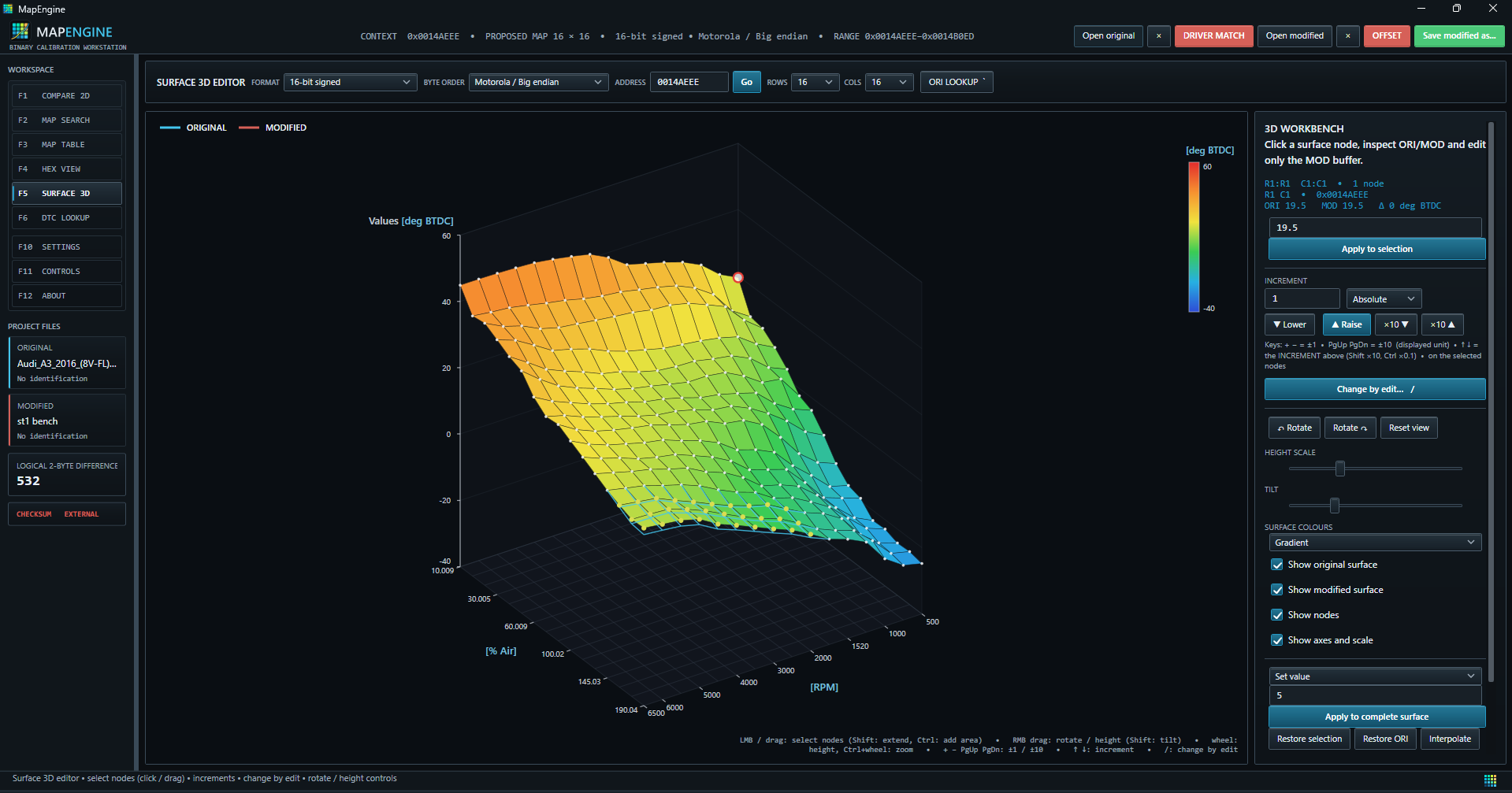
- 063D engineA smooth 3D view with a flexible choice of view.
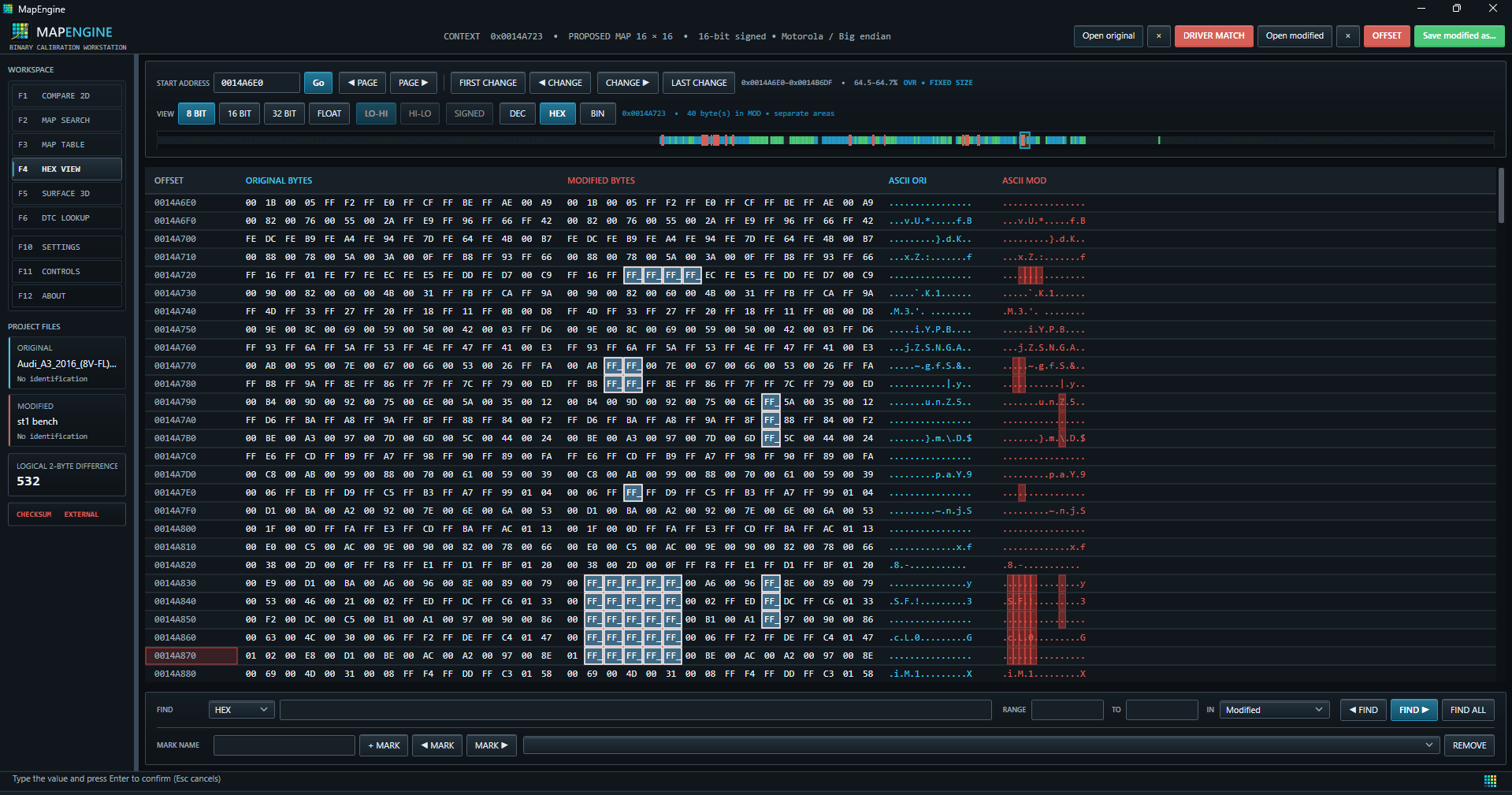
- 07Dual HEX editorOriginal and modified bytes side by side, with differences highlighted.
- 08Your own map packsBuild map packs and copy profiles of modified values; check file and format compatibility first.
- 09Search in the fileFind by words or digits, which makes working in 2D much easier.
- 10Keyboard controlExtensive shortcuts that noticeably speed up your work.
- 11Intelligent OFFSET and ALIGNOFFSET aligns compatible reads of the same controller with a fixed offset. The two-file, dynamic ALIGN mode matches fragments, with a preview to verify.
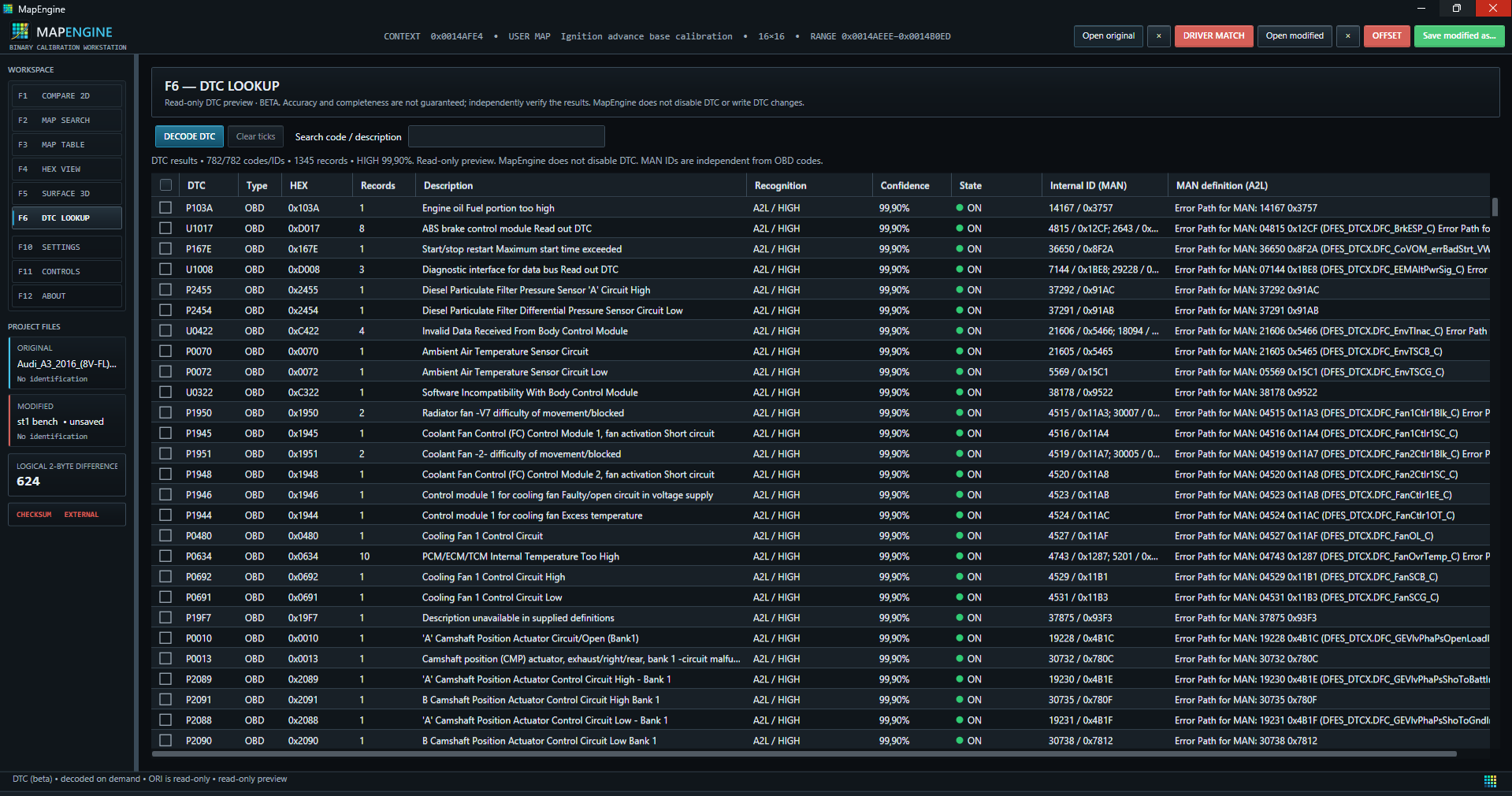
- 12DTC preview (beta)Decoded codes, their names and whether they are active in the file, for supported patterns.
Map matching, OFFSET, ALIGN and the DTC preview give proposals and auxiliary readings. Results always require your verification.
Real screenshots from the program
Preview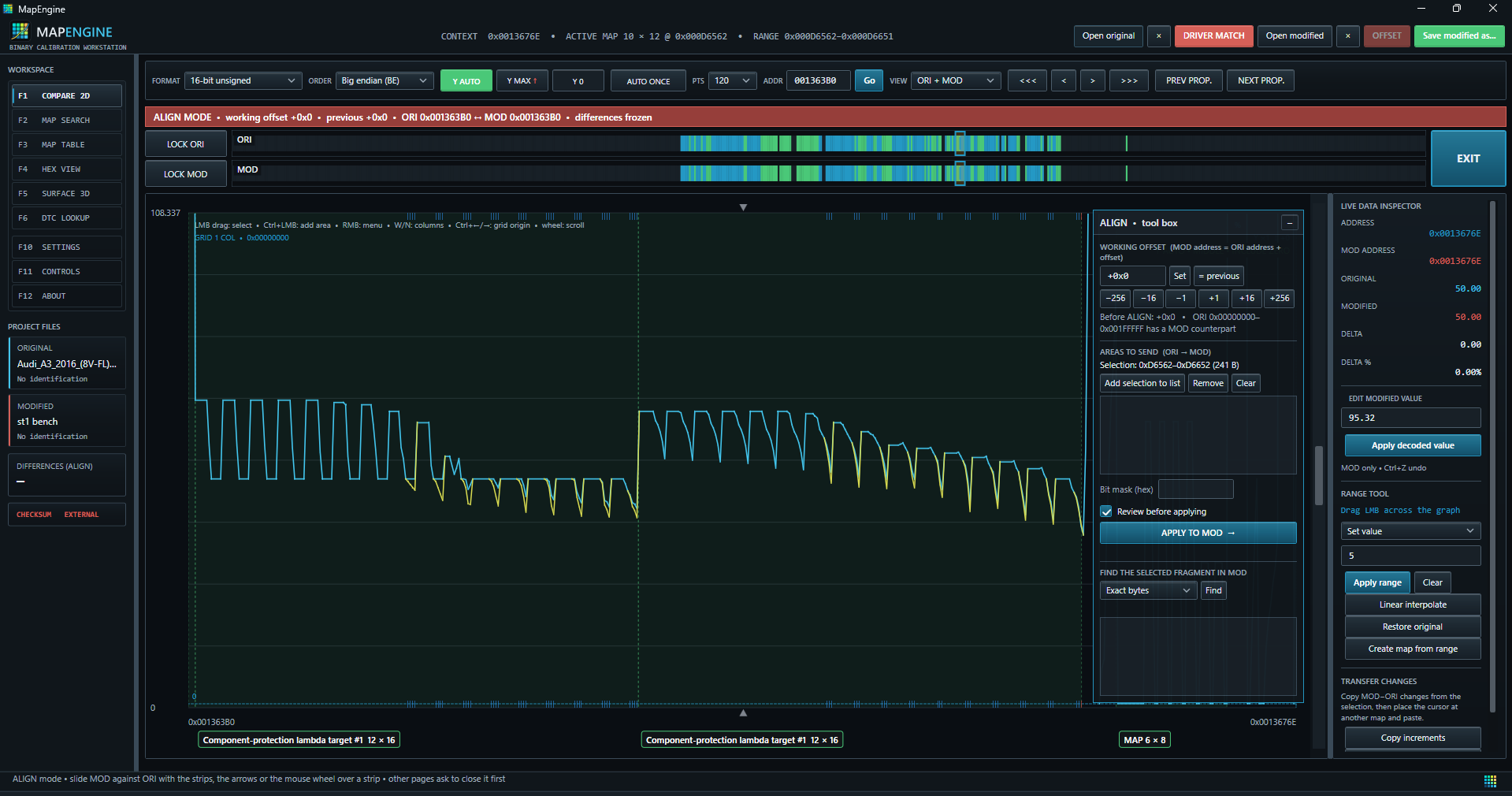
Pricing and access
PricingYour first purchase and access continuation are separate offers. Each includes 365 days of access.
First purchase of MapEngine
€299
net · one-time payment for 365 days
Equivalent to approximately €24.92 net per month*
Access continuation
€249
net · one-time payment for 365 days
Equivalent to approximately €20.75 net per month*
Customers who pay for the first purchase by 31 December 2026 keep EUR 249 net for every continuation.
* Monthly equivalent of the net price is the 365-day price divided by 12, rounded to euro cents. You pay once, not monthly. Applicable tax is added at checkout before payment.
Create an account in the customer portal to buy MapEngine.
What the reference library covers
Table library- T-01Fuel Calibration Tables
- T-02Ignition Tables
- T-03Boost Strategy Tables
- T-04Injector Scalings
- T-05Knock-Controller Adjustments
- T-06VVT/Cam Timings
- T-07Torque Tables
- T-08Idle Speed Control
- T-09Speed Limiters
- T-10Transmission Shifting Points
- T-11Shifting Times
- T-12Shifting Pressures
- T-13Torque Reductions
- T-14Kickdown
- T-15Many others
Stay informed
ContactQuestions about MapEngine? Send me an email.